
Effective VS555 Login Solutions for Betting Accounts
Establishing a stable connection is essential for an uninterrupted gaming experience. This guide explores the most effective ways to bypass connectivity issues and secure your profile on VS555 Bangladesh.
*Secure SSL Connection | 24/7 Access
Common Technical Barriers During Login
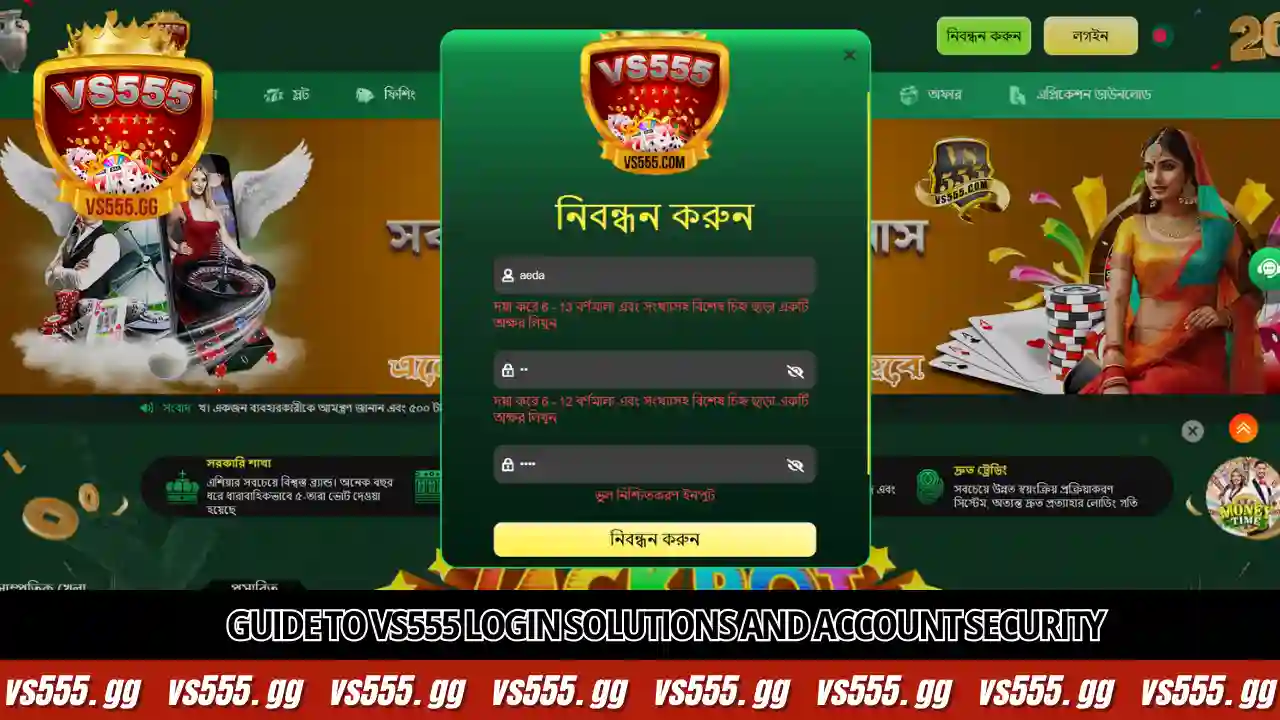
Users may occasionally encounter difficulties. Identifying the root cause is the first step in applying the correct remedy.
⚠️ Network & Connectivity Issues
High ping or packet loss can cause server timeouts. This is common on mobile data networks (3G/4G) during peak hours in Bangladesh. Solution: Switch to Wi-Fi or toggle Airplane mode on/off.
⚠️ Browser Cache Conflicts
Outdated cookies can result in “invalid session” errors. Solution: Clear your browser’s cache/cookies or try using Incognito Mode.
How to Recover Forgotten Credentials

Loss of access due to forgotten passwords is frequent. Follow this verified path to recover your account:
Steps to Reset Password
- Navigate to the main login page and click “Forgot Password”.
- Enter your registered Phone Number (+880) or Email.
- Wait for the OTP Code via SMS (Wait at least 5 mins due to network delays).
- Enter the code and set a new, strong password.
Note: If you lost your phone number, contact 24/7 Customer Support for manual recovery.
Resolving Server & Regional Access Errors
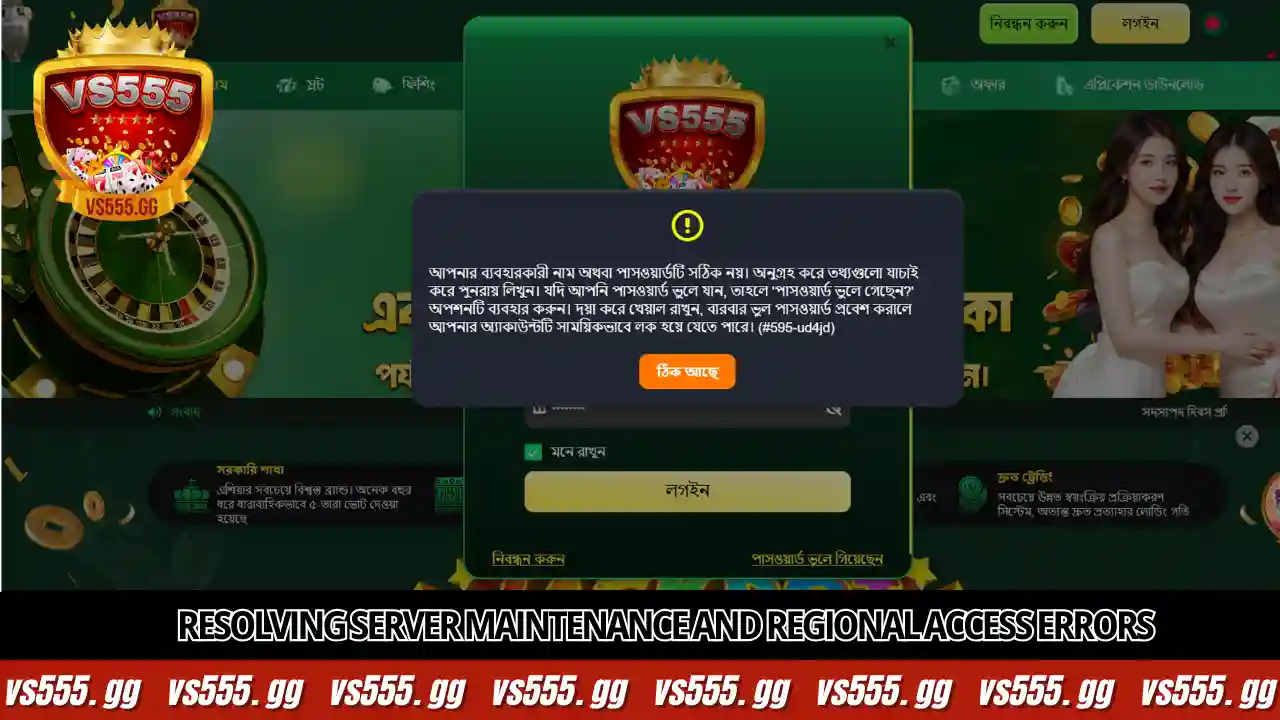
If the site does not load, it might be a maintenance schedule or an ISP block. Here is how to bypass it:
🔧 Maintenance Windows
Usually scheduled during off-peak hours. Check our official Telegram channel for announcements if the site is down globally.
🌐 Using Mirror Links
If the main URL is blocked, use “mirror links” (alternative URLs). These lead to the same database but bypass local ISP blocks.
🛡️ VPN Access
Use a reliable VPN to mask your IP address. This provides a clear path to the server if your local ISP is restricting gambling sites.
Enhancing Account Security

| Security Feature | Benefit |
|---|---|
| Two-Factor Auth (2FA) | Links account to an authenticator app. Hackers cannot login even with your password. |
| Device Management | System detects logins from new IPs. You will be notified of suspicious activity. |
| Auto-Logout | Automatically logs you out after inactivity to prevent unauthorized access on public devices. |
🚀 The Ultimate Solution: VS555 Mobile App
Transitioning to the mobile app is the best way to avoid login issues permanently.
- ✅ Biometric Login: Use Fingerprint/FaceID instead of typing passwords.
- ✅ Anti-Block: The app connects directly to the server, bypassing ISP blocks.
- ✅ Data Saver: Stores interface locally, loading 3x faster than browsers.
Access Your Account Now
Whether through recovery tools or moving to the superior mobile application, access is always within reach at VS555.